E-mail:Summer@fsorgin.com Telephone: +86 151-1302-4743
- All
- Product Name
- Product Keyword
- Product Model
- Product Summary
- Product Description
- Multi Field Search
English


FT23-001
| Quantity: | |
|---|---|


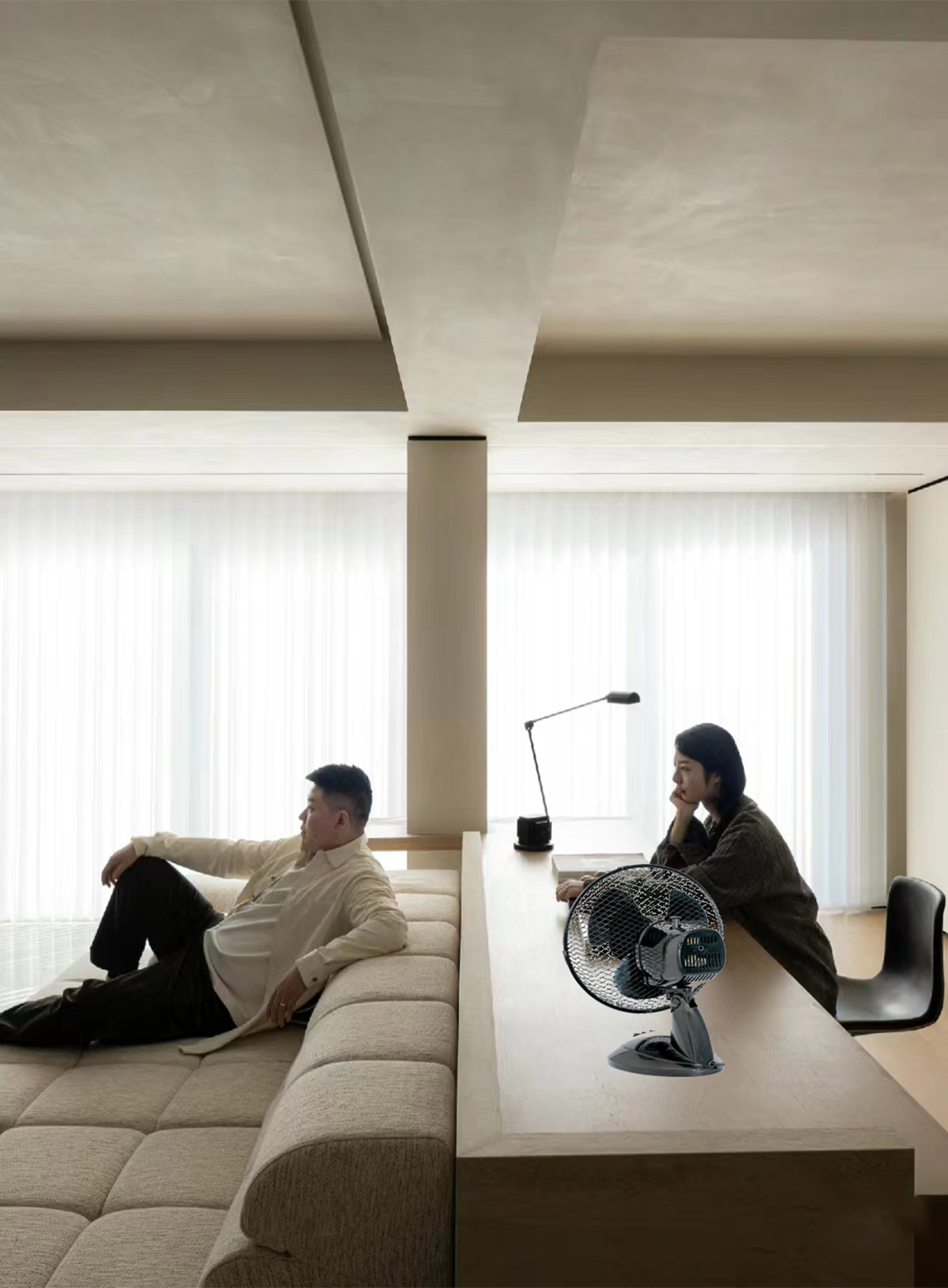
FT23-001 is 9 inch table fan,it has 2 speed.All can be customized, Its high-speed motor ensures efficient circulation of air.It can ventilate indoor air and is small in size.this table fan delivers powerful airflow to keep you cool and comfortable.
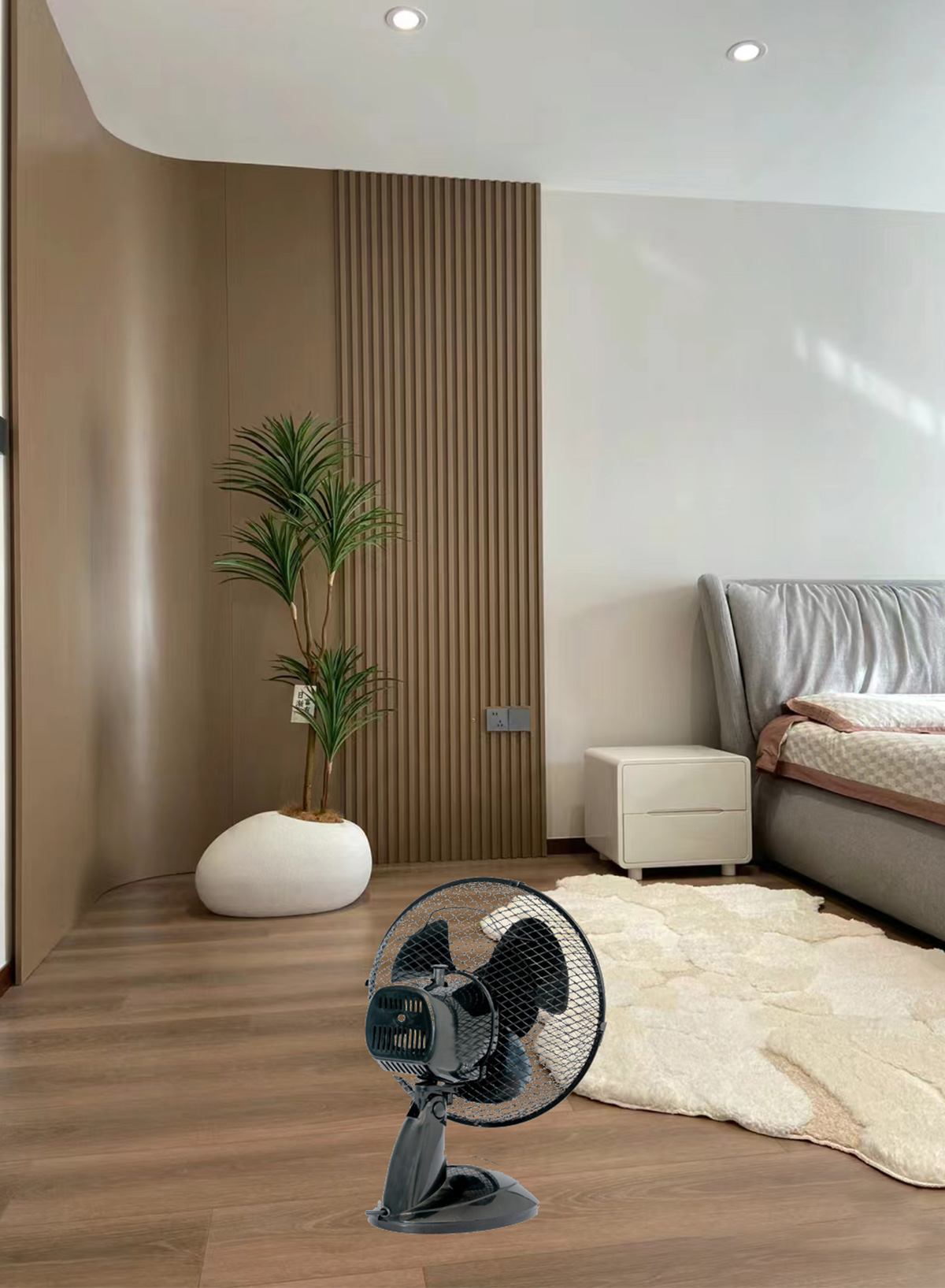
1.Portability: Table fans are typically lightweight and compact, making them easy to move from one location to another. This portability allows you to use the fan wherever you need it most, whether it's in your bedroom, living room, office, or any other space.
2.Cost-Effectiveness: Table fans are generally more affordable than other types of cooling devices, such as air conditioners or tower fans. This makes them an economical option for individuals or families on a budget.
3.Energy Efficiency: Compared to air conditioners, table fans consume significantly less energy. They are a more energy-efficient way to cool a small area or provide personal cooling, which can lead to cost savings on your electricity bill.
4.Quick Cooling: Table fans provide instant cooling relief. Unlike air conditioning units, which may take some time to cool down a room, table fans start circulating air as soon as they are turned on, providing immediate comfort.
5.Flexibility: Table fans often come with multiple speed settings, allowing you to adjust the airflow according to your preference and the ambient temperature. Some models also feature oscillation and tilt functions, giving you greater flexibility in directing the airflow where it's needed most.
| Model | FT23-001 |
| Size | 9'' table fan |
| Rated Voltage | 220V |
| Frequency | 50Hz |
| Rated Power | 20W |
| Speed | 2 |
| Night Lamp | No |
| Oscillation | Yes |
| Tilting Head | Yes |
| Blade | 3 blades |
| Grill | 250MM mesh grill |
| Base | round base |
| Timer | No |
| Cord | 2*0.5*1.7M |
| Plug | two round plug |
| Packing | 1pc/color box |
| N.W. | |
| G.W. | |
| Meas | |
| Box Size | 28.5*18*31.5cm |
| Loading Qty/40HQ | 4520PCS |
1.Bedrooms: Table fans are popular choices for bedrooms, providing a gentle breeze to help individuals sleep comfortably during warm nights. They can be placed on bedside tables or dressers to circulate air and maintain a pleasant sleeping environment.
2.Living Rooms: Table fans can be placed on coffee tables or end tables in living rooms to improve air circulation and create a cooling effect. They help distribute airflow in larger spaces, making them more comfortable for relaxation and leisure activities.
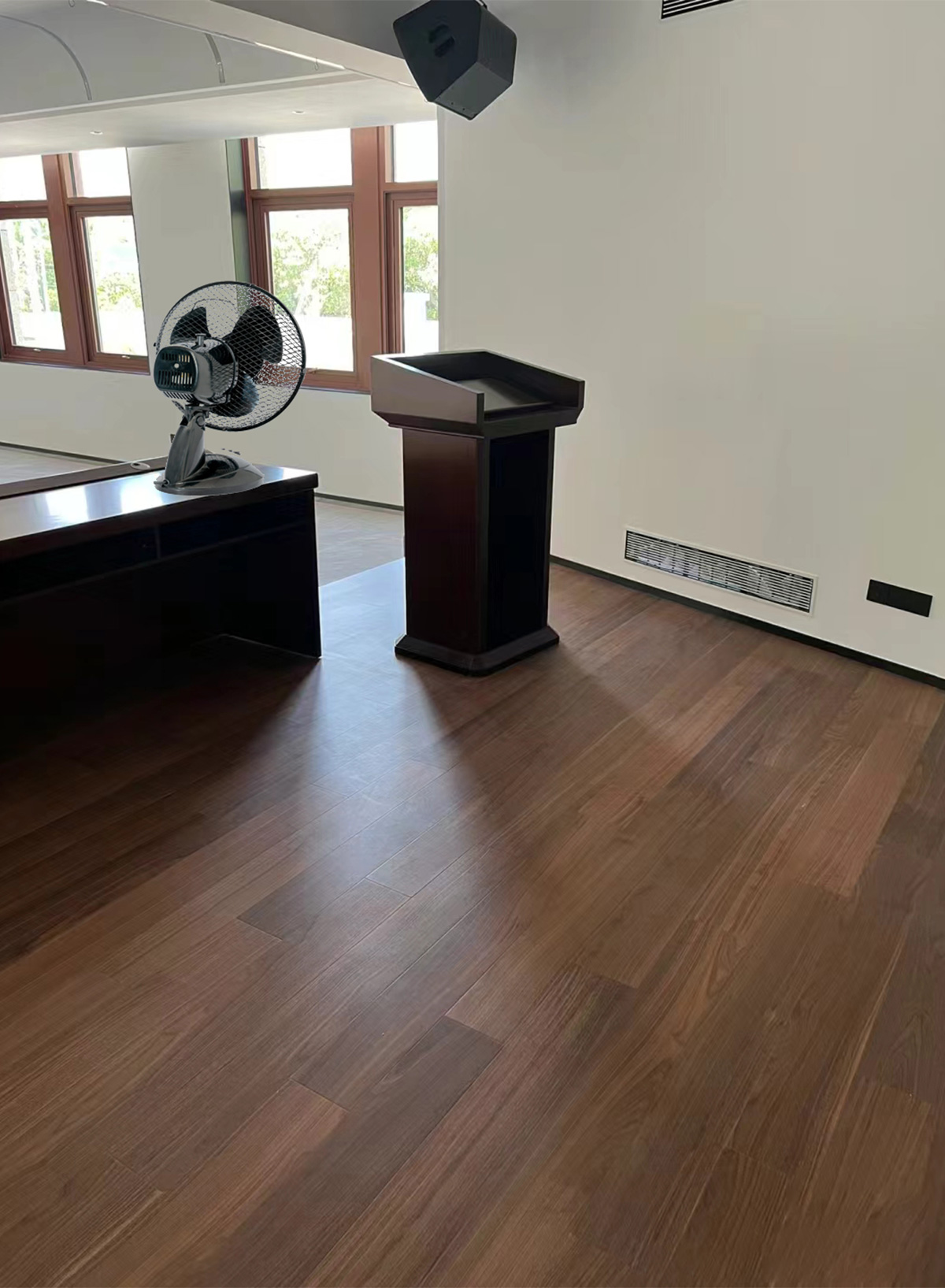
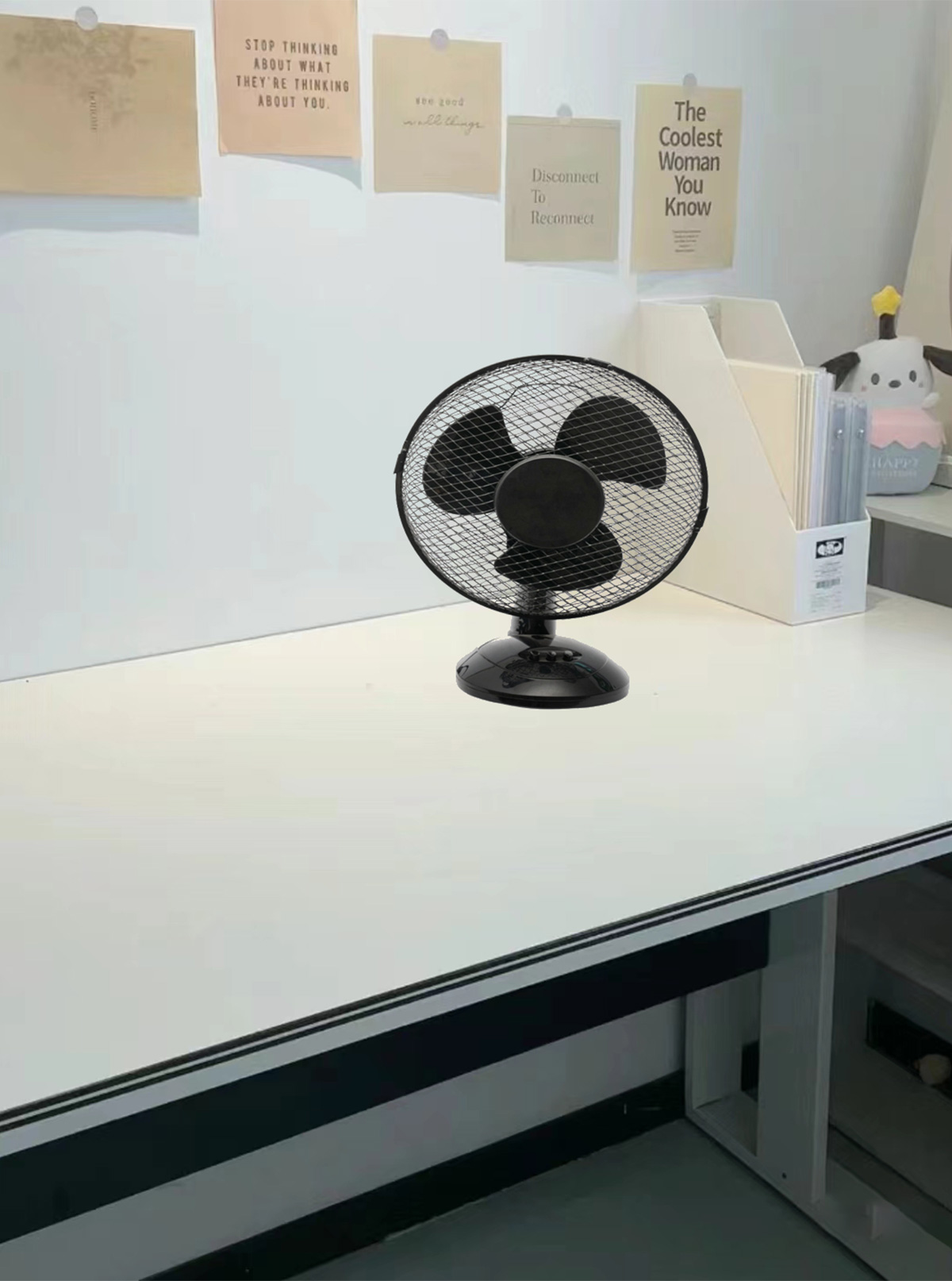
3.Home Offices: Table fans are ideal for home offices where individuals may spend long hours working at a desk. Placing a table fan nearby can help prevent overheating and maintain a comfortable temperature while working on computers or other devices.
4.Kitchens: Kitchens can become hot and stuffy, especially when cooking meals. Table fans can be placed on countertops or kitchen islands to help dissipate heat and odors, making cooking more comfortable and enjoyable.
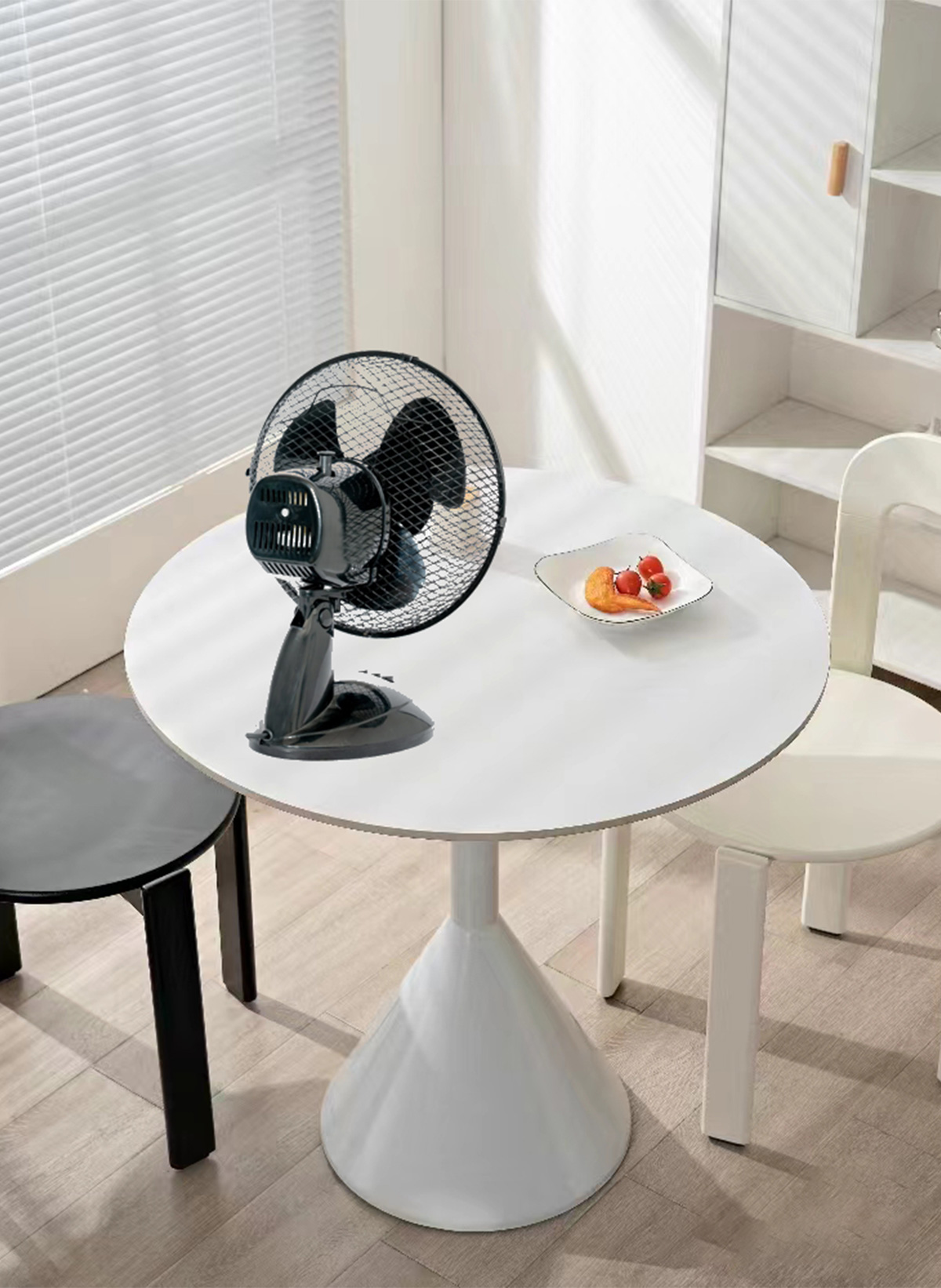
5.Dining Areas: Table fans can be used in dining areas to enhance comfort during meals, particularly in warmer climates or during the summer months. They help create a more pleasant dining experience by keeping the air circulating and preventing stagnation.
Using a table fan is a simple task. Here's a step-by-step guide:
1.Placement: Choose a flat and stable surface for your table fan.
Power Source: Plug the fan into a power outlet.
2.Controls: Most table fans have a control panel on the base or the front of the fan. These controls typically include buttons or knobs for power, speed settings, and oscillation (if applicable). Familiarize yourself with these controls before operating the fan.
3.Power On: Press the power button to turn the fan on.
4.Speed Adjustment: Most table fans have multiple speed settings, usually labeled as low, medium, and high. Adjust the speed by pressing the corresponding button or turning the speed control knob.
5.Oscillation (Optional): Some table fans come with an oscillation feature that allows the fan to rotate side to side, distributing airflow throughout the room.
6.Directional Adjustment (Optional): Many table fans allow you to adjust the angle of the fan head to direct airflow upwards, downwards, or sideways. If you need to change the direction of airflow, simply tilt the fan head manually.
7.Power Off: When you no longer need the fan or are leaving the room, press the power button to turn it off. Unplug the fan.