E-mail:Summer@fsorgin.com Telephone: +86 151-1302-4743
- All
- Product Name
- Product Keyword
- Product Model
- Product Summary
- Product Description
- Multi Field Search
English


FT30-004
| Quantity: | |
|---|---|


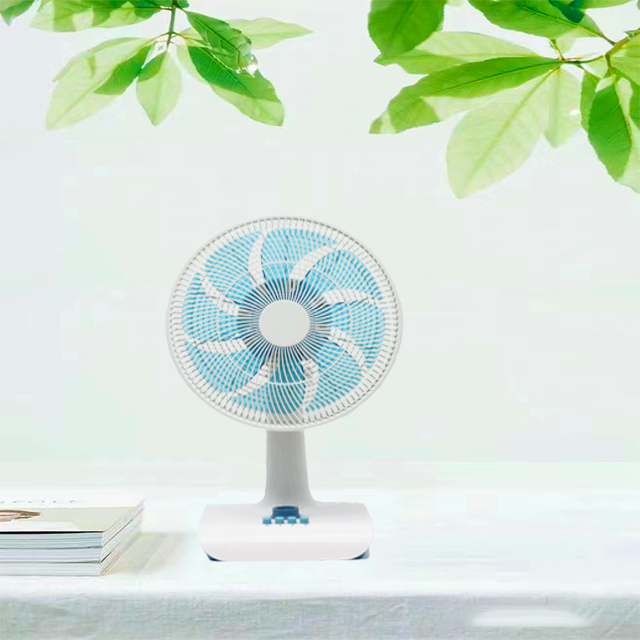
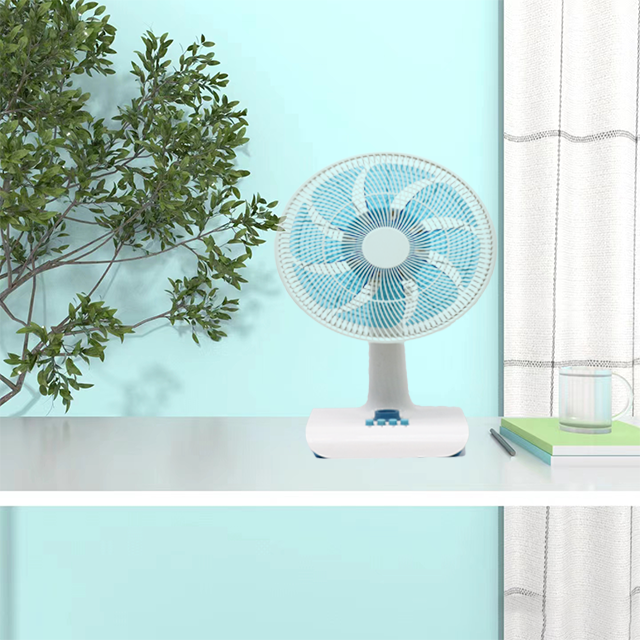
FT30-004 is a type of fan that has a blade diameter of 12 inches. It is a compact and portable fan designed to be placed on a table or desk for personal cooling or air circulation
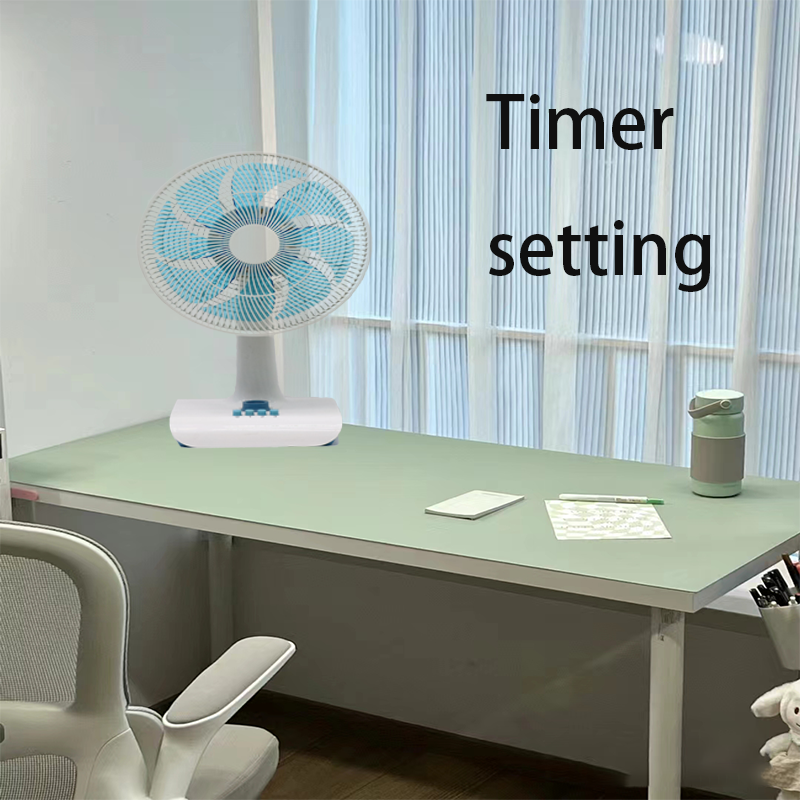
1.Convenience: The timer feature allows you to set a specific duration for the fan to operate. This is especially useful if you want the fan to automatically turn off after a certain period, such as when you go to sleep or leave the room. It eliminates the need to manually switch off the fan, providing convenience and energy savings.
2.Energy Efficiency: With the timer setting, you can ensure that the fan operates only when needed. This helps conserve energy by preventing the fan from running unnecessarily when you are not present or when the room is already cool enough.
3.Customization: The timer function allows you to personalize the fan's operation according to your preferences. You can set the timer for a specific duration, such as 1 hour or 2 hours, depending on your cooling needs or the time you plan to spend in the room.
4.Sleep-Friendly: If you use the fan in your bedroom, the timer feature is particularly beneficial. You can set the fan to run for a specific period while you fall asleep, and it will automatically turn off, ensuring a peaceful and undisturbed sleep without the need to wake up and switch off the fan manually.
5.Safety: The timer setting helps prevent the fan from running continuously for extended periods, reducing the risk of overheating or other potential safety hazards. It provides peace of mind, especially if you need to leave the fan unattended.
| Product Name | 16 inch table fan |
| Model No | FT40-008 |
| Voltage | 220V |
| Frequency | 50Hz |
| Power | 40W |
| Motor | 71*16 Aluminum Motor or Copper Motor |
| Grill | Line Grill |
| Blades | 5 AS blades |
| Plug | two round Plug |
| Color | Grey or according the order |
| Base | plastic |
| Body | New PP material |
| Height | 65mm |
| Carton | 1pcs/color/white/brown carton |
| Size | 44*19*43.5 |
| Container | 40hq |
| Quantity | 1750pcs/40hq |
1.Office: In an office setting, a 12-inch timer table fan can be placed on a desk or table to provide a cooling breeze during work hours. The timer function ensures that the fan operates only when needed, saving energy and maintaining a comfortable working environment.
2.Dorm Rooms: Dorm rooms often have limited space, and a 12-inch timer table fan can be an ideal choice for personal cooling. The timer feature allows you to set the fan to run for a specific period, ensuring comfort while studying or sleeping without worrying about leaving the fan on for too long.
3.Small Spaces: The compact size of a 12-inch table fan makes it suitable for small spaces such as studios, apartments, or RVs. The timer setting allows you to customize the fan's operation based on your needs and the size of the space.
4.Bedrooms: A 12-inch timer table fan can be particularly useful in bedrooms. You can set the fan to run for a specific duration while you fall asleep, and it will automatically turn off, providing a comfortable sleeping environment without the need to wake up and switch off the fan manually.
5.Workshops or Garages: If you have a workshop or garage where you spend time working on projects, a 12-inch timer table fan can help keep the area cool and well-ventilated. The timer function allows you to set the fan to run for a specific period while you work, ensuring comfort and air circulation without the need for constant monitoring.
1.Placement: Choose a suitable location for the fan on a stable table or desk. Ensure that there is enough space around the fan for proper airflow and that it is positioned in a way that directs the airflow where you need it.
2.Power Source: Plug the fan into a power outlet or, if it has a battery-operated option, ensure the batteries are properly inserted.
3.Controls: Familiarize yourself with the controls on the fan. Look for the timer button or setting, which is usually labeled as "Timer" or "Timer On/Off."
4.Setting the Timer: Press the timer button or navigate to the timer setting on the control panel. Use the fan's controls to set the desired duration for the fan to operate.
5.Activating the Timer: Once you have set the desired duration, activate the timer by pressing the timer button or confirming the timer setting on the control panel. The fan will start running and will automatically turn off after the set duration.
6.Adjusting Fan Settings: This fan has additional settings such as speed control or oscillation, adjust them according to your preference. These settings can usually be adjusted separately from the timer function.
7.Monitoring and Adjusting: Keep an eye on the fan while it is running to ensure it is operating as desired. If you need to make any adjustments to the timer or other settings, refer to the fan's user manual for specific instructions.
8.Turning Off: If you want to stop the fan before the timer duration ends, you can manually turn it off by pressing the power button or using the fan's controls.