|
Product Description
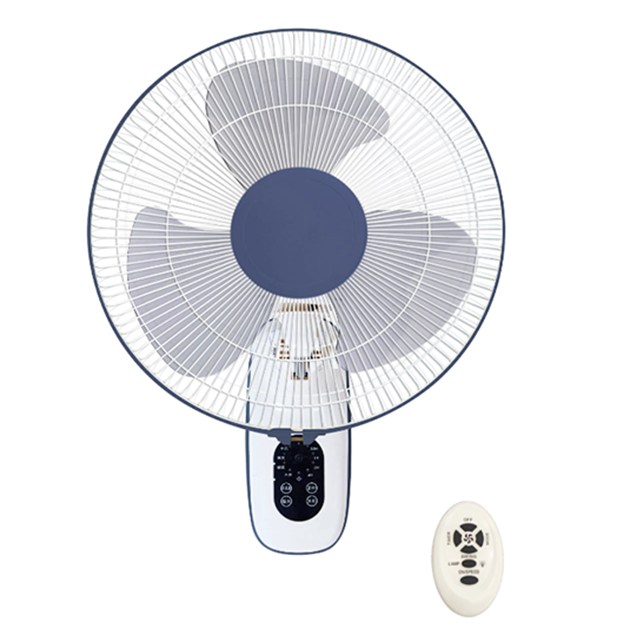
A remote-controlled wall-mounted fan, is a type of electric fan that is designed to be installed on a wall and can be operated using a handheld remote control. This design offers several advantages and features that make it a popular choice for various indoor spaces.

Remote control wall fans can be a safer option, especially in households with children or pets, as the controls are located out of reach and can be operated remotely. This reduces the risk of accidents or injuries associated with manual fan controls.
|
Product Detail

educational facilities

study room
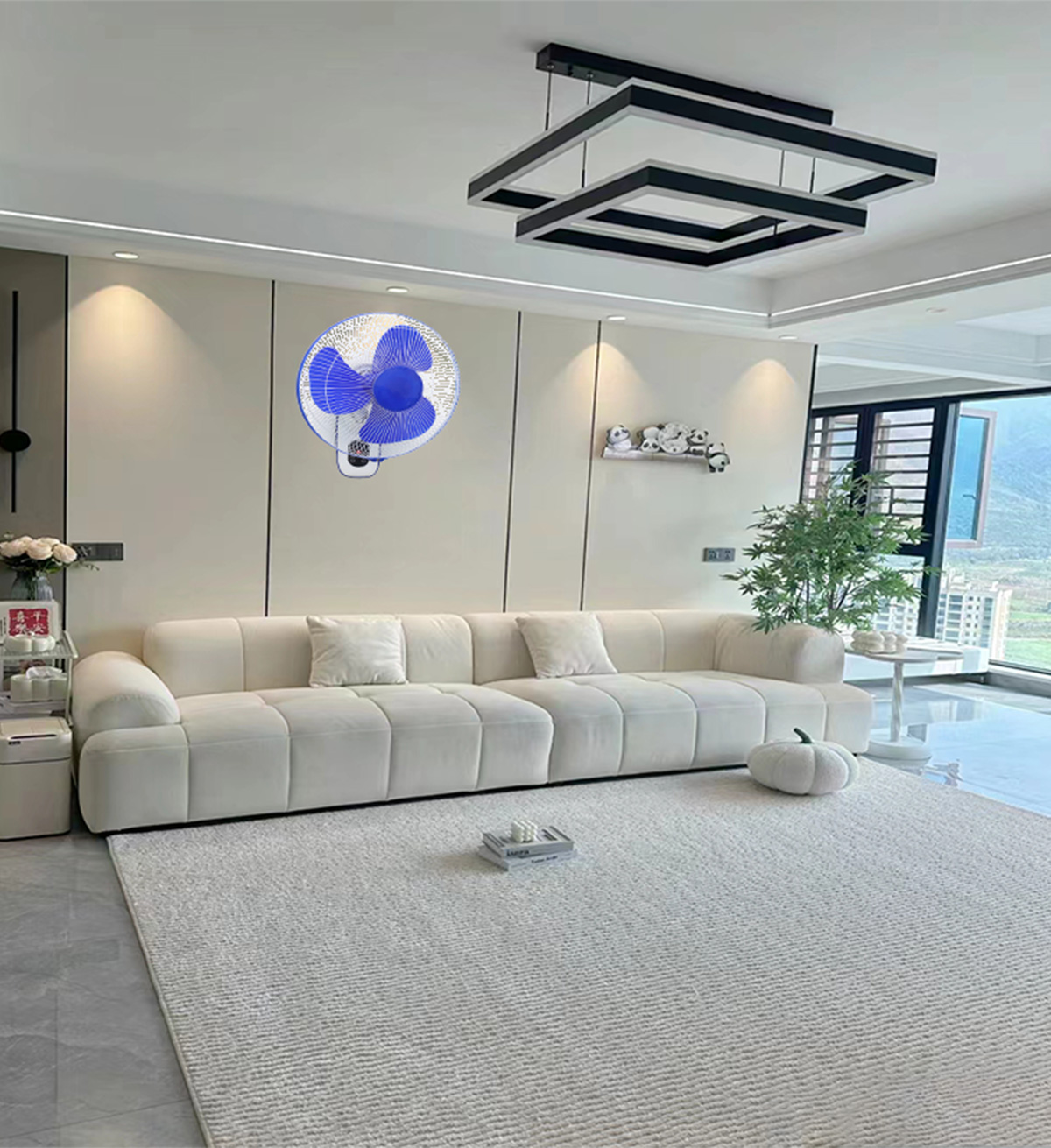
bedroom

1.Install the fan:
Ensure that the remote control wall fan is securely mounted on the wall according to the manufacturer's instructions. Make sure the fan is plugged into a power source and turned on.
2.Familiarize yourself with the remote control:
Take a moment to familiarize yourself with the buttons and functions on the remote control. The remote control typically includes buttons for power on/off, speed settings, oscillation control, timer settings, and other fan features.
2.Power on the fan:
Press the power button on the remote control to turn on the wall fan. The fan should start operating at the default speed setting.
3.Adjust the fan speed:
Use the speed control buttons on the remote control to adjust the fan speed to your desired level. Most remote control wall fans offer multiple speed settings, allowing you to customize the airflow intensity.
4.Set the timer:
If the wall fan has a timer function, use the timer settings on the remote control to program the fan to automatically turn off after a specific duration. This can help save energy and provide cooling for a set period.
5.Turn off the fan:
When you're done using the wall fan, press the power button on the remote control to turn off the fan. Make sure to unplug the fan from the power source if you won't be using it for an extended period.
|
Customized Service

|
Payment

|
Shipping