E-mail:Summer@fsorgin.com Telephone: +86 151-1302-4743
- All
- Product Name
- Product Keyword
- Product Model
- Product Summary
- Product Description
- Multi Field Search
English


FS30-002R
OEM
8414519200
| Quantity: | |
|---|---|


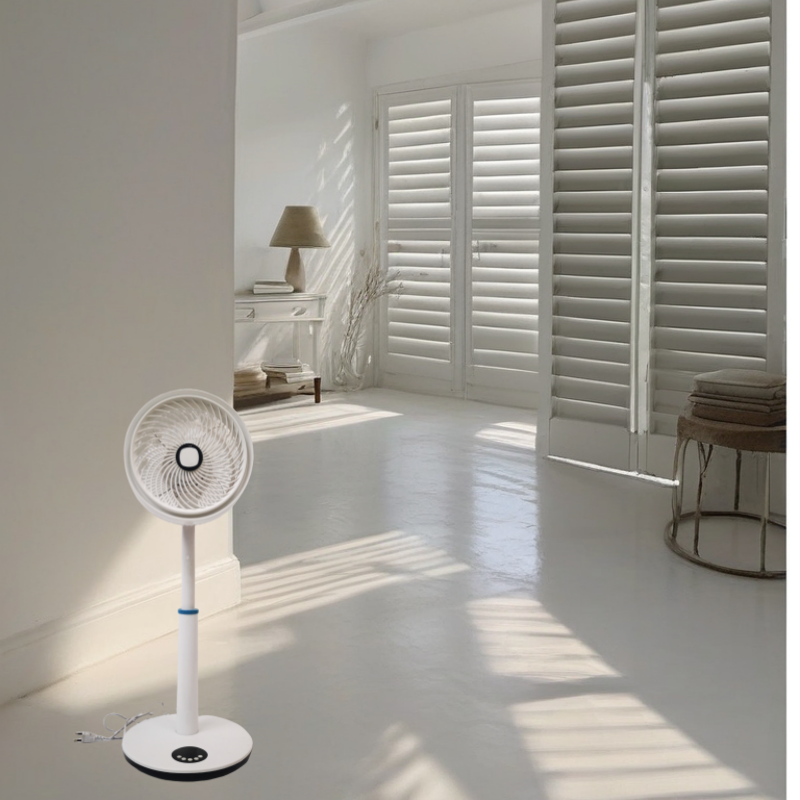
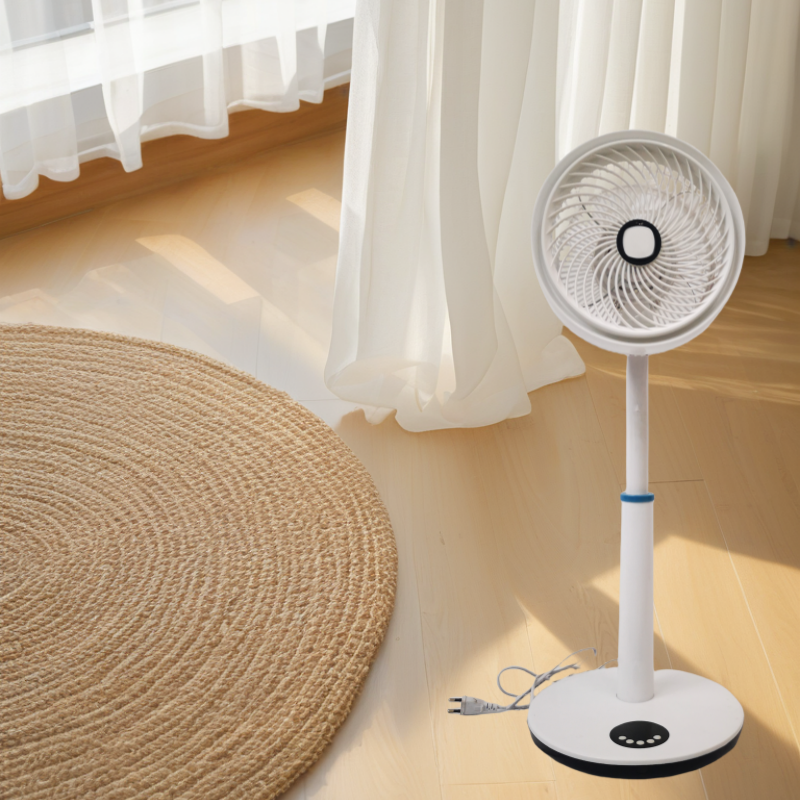
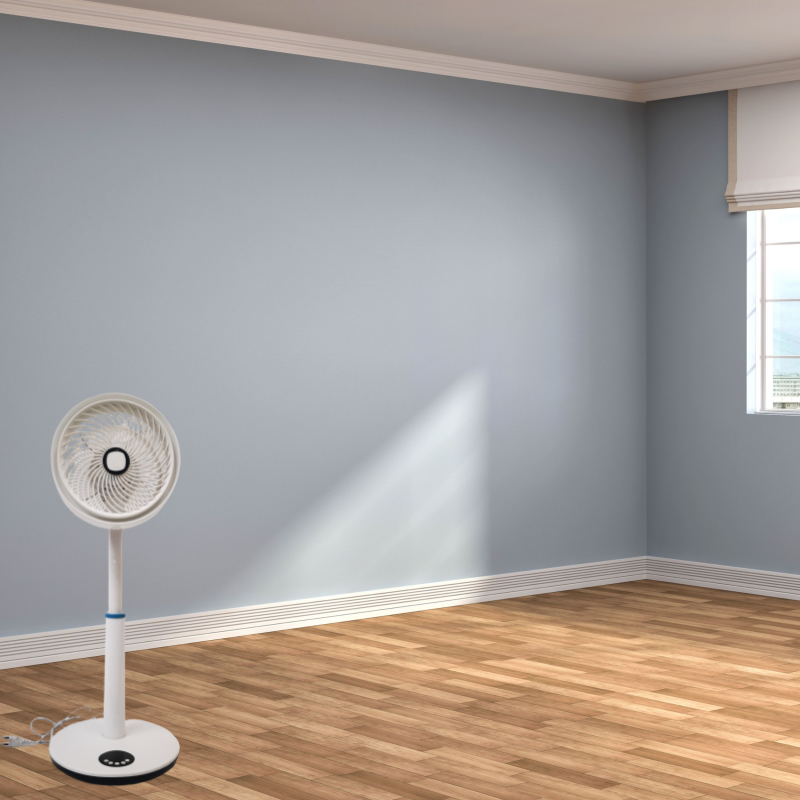
FS30-002R is 12inch stand fan ,the fan is remote control,it's easy to control the fan speed.
1. Space-saving: Its smaller size means it won't take up much floor space, making it ideal for smaller rooms or areas where space is limited.
2. Versatility: Despite its smaller size, a 12-inch stand fan can still provide sufficient airflow to cool down a room effectively. Many models come with adjustable height and tilt features, allowing you to direct the airflow where it's needed most.
3.Energy efficiency: Compared to larger fans or air conditioning units, a 12-inch stand fan typically consumes less energy, which can lead to cost savings on your electricity bill.
4.Affordability: Stand fans in this size range are often more affordable than larger alternatives, making them a friendly option for looking to stay cool without more money.
5. Quiet operation: While this can vary depending on the specific model, many 12-inch stand fans are designed to operate quietly, ensuring minimal disruption, especially when used in bedrooms or offices.
6.Easy assembly and maintenance: Setting up a 12-inch stand fan is usually straightforward, and they typically require minimal maintenance to keep them running smoothly.
7. Remote control:It's very convenient when you on the bed , when you on the sofa,when you on your seat or any you don't want to move your step,the remote control advantage will let you feel good.
Technical Parameters
| Model No | FS30-002R |
| Product Name | 12inch stand fan |
| Voltage | 220V |
| Frequency | 50Hz |
| Power | 50W |
| Motor | 71*14 Aluminum Motor or Copper Motor |
| Grill | plastic Grill |
| Speed | 3 Speed |
| Blades | 5pp blades |
| Plug | two round Plug |
| Color | White or according the order |
| Base | Plastic Base |
| Body | New ABS material |
| Height | 88 cm |
| packing size | 62*19*32.5cm |
1.Desks: stand fan can be placed on desks in offices, study areas, or home offices to provide a personal cooling breeze while working or studying.
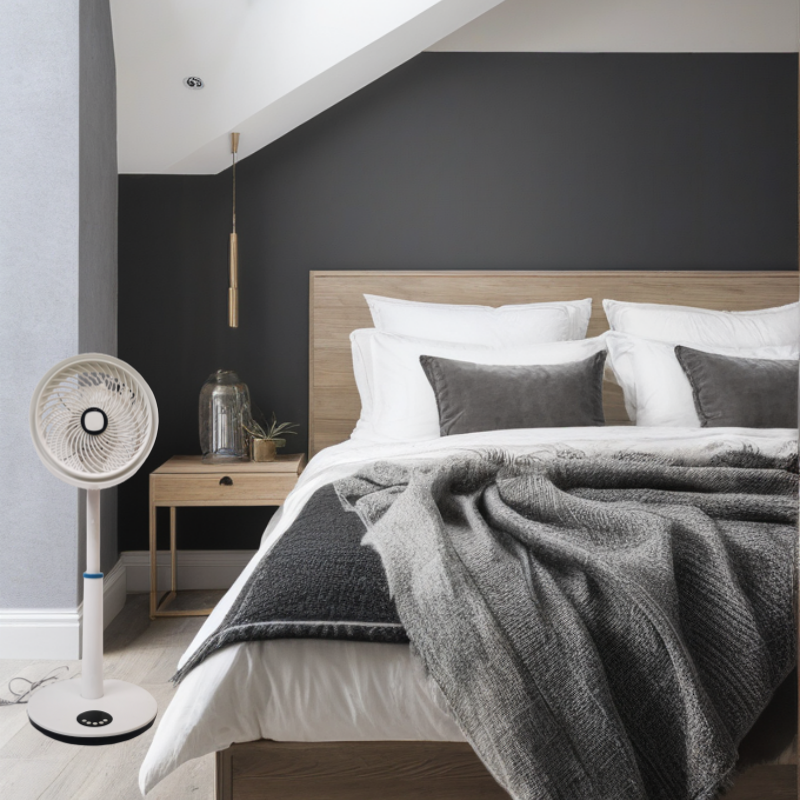
2.Bedrooms: A stand fan can be placed on bedside tables or dressers in bedrooms to provide a gentle breeze for a comfortable sleep environment.
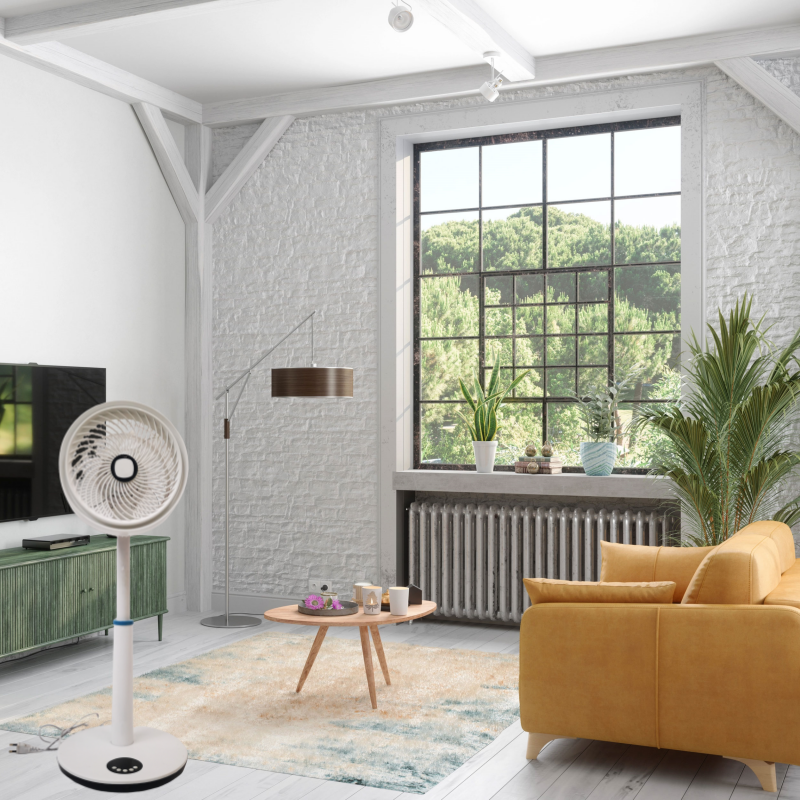
3.Small Living Spaces: A stand fan can be used in small living rooms, studio apartments, or dorm rooms to provide localized cooling and air circulation.
4.Outdoor Activities: A stand fan can be taken along for outdoor activities such as picnics, camping, or sporting events to provide a portable cooling solution.
5.Workshops or Garages: A stand fan can be used in small workshops or garages to provide localized cooling and ventilation during work activities.
6.Gyms or Fitness Studios: A stand fan can be used in small gyms or fitness studios to provide a cooling breeze during workouts or exercise sessions.
7.Travel: A stand fan can be easily packed and taken along during travel to provide personal cooling in hotel rooms, vacation rentals, or even in cars during road trips.
8.Small Retail Spaces: A stand fan can be used in small retail stores or booths to provide a cooling breeze for customers and employees in a compact area.
1.Assembly: Start by assembling the stand fan according to the manufacturer's instructions. This typically involves attaching the fan blades, securing the fan guard, and connecting the fan pole to the base.
2.Power Connection: Plug the stand fan into a power outlet. Make sure the power cord is properly connected and not damaged.
3.Controls: Locate the control panel on the stand fan. This may include buttons or switches for power on/off, fan speed settings, oscillation control, and timer settings.
4.Power On/Off: Press the power button to turn on the stand fan. The fan blades should start spinning once the power is activated.
5.Fan Speed Settings: Adjust the fan speed settings according to your preference. Most stand fans have multiple speed options (low, medium, high) to choose from.
6.Oscillation Control: If your stand fan has an oscillation feature, you can turn it on to allow the fan to rotate from side to side, distributing airflow across a wider area.
7.Timer Settings: Some stand fans come with a timer function that allows you to set a specific time for the fan to operate before automatically shutting off. Adjust the timer settings as needed
8.Directional Adjustment: Many stand fans have adjustable height and tilt features that allow you to direct the airflow in a specific direction. Adjust the fan head to your desired angle for optimal cooling.
9.Remote Control (if applicable): If your stand fan comes with a remote control, use it to conveniently adjust the fan settings from a distance. Make sure the remote control has fresh batteries and is pointed towards the fan receiver.
10.Maintenance: Regularly clean the fan blades, fan guard, and base of the stand fan to ensure optimal performance. Unplug the fan before cleaning and avoid using harsh chemicals or abrasive materials.
11.Safety Precautions: Always place the stand fan on a stable and flat surface to prevent tipping over. Keep the fan away from water or moisture to avoid electrical