E-mail:Summer@fsorgin.com Telephone: +86 151-1302-4743
- All
- Product Name
- Product Keyword
- Product Model
- Product Summary
- Product Description
- Multi Field Search
English


FS35-003
OEM
8414519200
| Quantity: | |
|---|---|


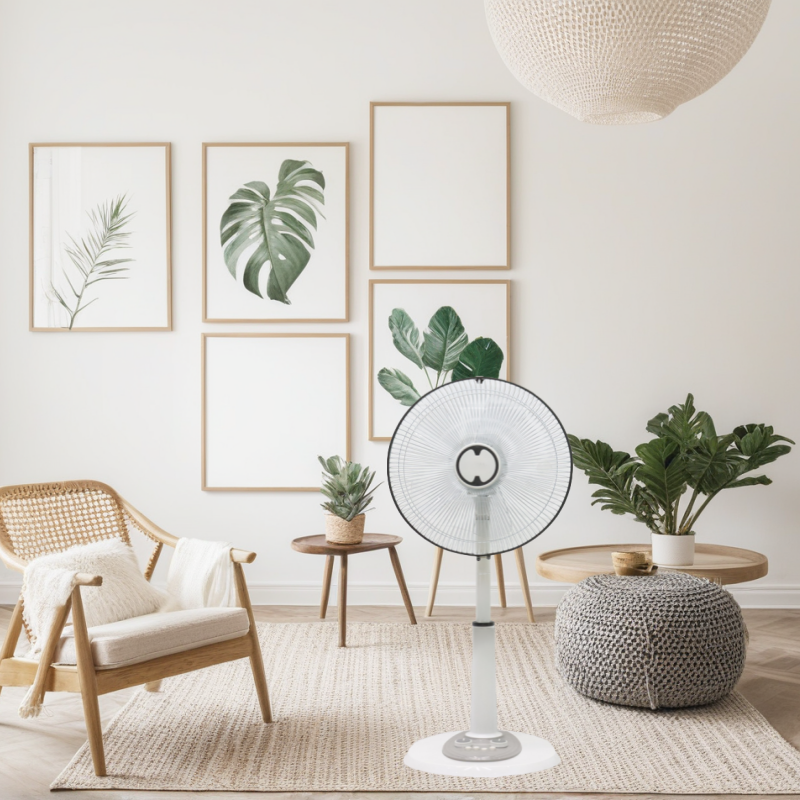
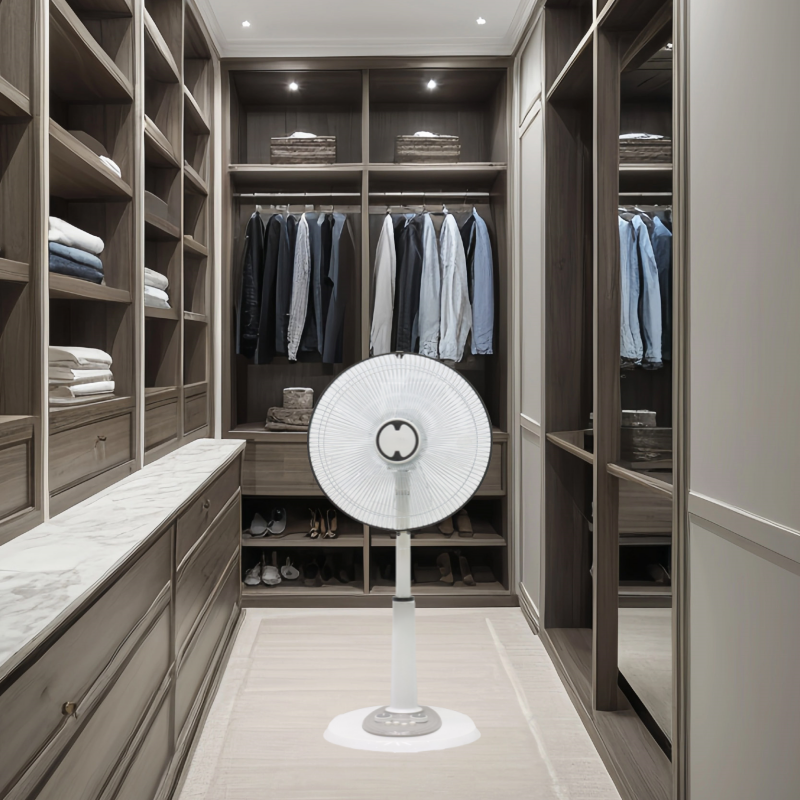
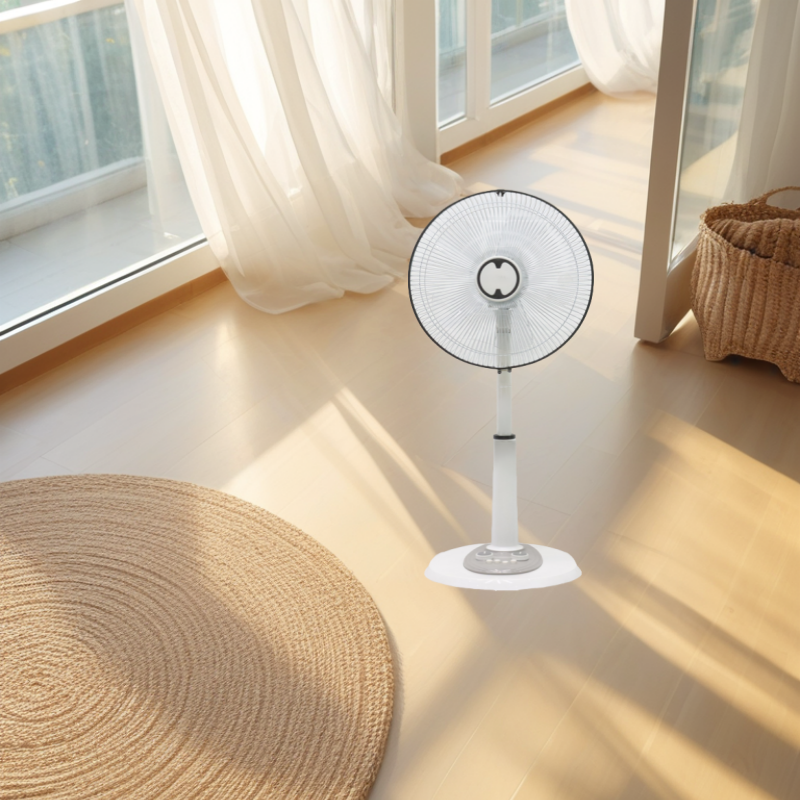
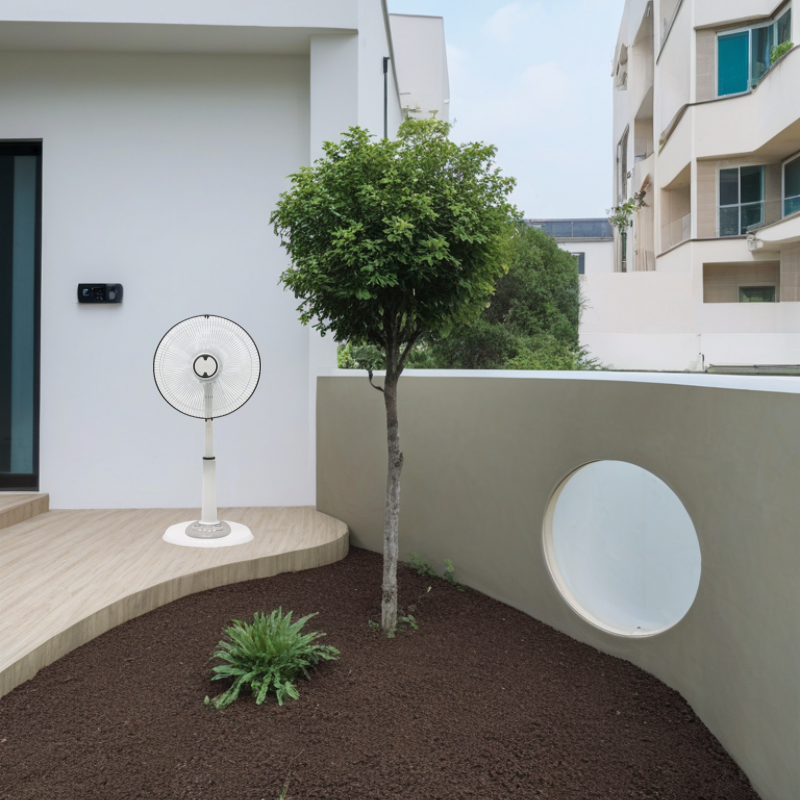
FS35-003 is a 14 inch stand fan ,piano switch and knob switch ,the fan height is 110CM,the height have adjustable function/3 speed/oscilation setting,1*40HQ can loading 1250pcs.A lightweight stand fan can provide a practical and effective solution. Its ease of use, quiet operation, and modern design make it a smart investment for enhancing comfort and productivity while being cost-effective and environmentally friendly.
Modern Design: Lightweight stand fans are available in modern and stylish designs that can complement various interior decors.
Color Options: They come in different colors to match your personal or office aesthetic.
Low Power Consumption: Lightweight fans are generally designed to be energy-efficient, consuming less power compared to larger, heavier fans.
Cost-Effective: Lower energy consumption translates to reduced electricity bills, making them a cost-effective cooling solution.
Multiple Speed Settings: Most lightweight fans offer multiple speed settings, allowing you to adjust the airflow to your comfort level.
Oscillation: Many models include an oscillation feature to distribute air more evenly throughout the room.
Tilt Function: The ability to tilt the fan up, down, or sideways ensures you can direct the airflow precisely where you need it.
| Model No | FS35-003 |
| Product Name | 14inch stand fan |
| Voltage | 220V |
| Frequency | 50Hz |
| Power | 40W |
| Motor | 71*16 Aluminum Motor or Copper Motor |
| Grill | line Grill |
| Speed | 3 Speed |
| Blades | 5 AS blades |
| Plug | two round Plug |
| Color | White or according the order |
| Base | Round Base |
| Body | New PP material |
| Height | 110cm |
| Quantity | 1248PCS/ 40hq |
Individuals Living in Small Spaces: People living in apartments, dorm rooms, or small houses can benefit from the compact and space-saving design of a lightweight stand fan.
Families: Families can use the fan in multiple rooms, such as bedrooms, living rooms, and home offices, to ensure everyone stays comfortable.
Elderly and Disabled Individuals: The portability and ease of use make it easy for elderly or disabled individuals to move the fan around and adjust it to their needs.
Pet Owners: Pet owners can use the fan to keep pets cool and comfortable, especially during hot weather.
Remote Workers: Those working from home can use the fan to create a comfortable and productive work environment.
Cubicle Dwellers: Office workers in cubicles can use a lightweight stand fan to improve air circulation and personal comfort.
Small Business Owners: Owners of small businesses can use the fan in reception areas, offices, and meeting rooms to keep employees and clients comfortable.
College Students: Students living in dorms or shared apartments can use the fan to stay cool and comfortable, especially during study sessions.
Home Schoolers: Home-schooled students can use the fan to create a comfortable learning environment.
User Manual: Always start by reading the user manual provided with the fan. It contains specific instructions and safety guidelines tailored to your model.
Follow Steps Carefully: Pay close attention to each step and follow the instructions in the order they are presented.
Clear Area: Choose a clear, flat, and stable surface to assemble the fan. Ensure there are no obstacles or clutter that could interfere with the process.
Tools: Have any required tools ready, such as a screwdriver or Allen wrench. Most fans come with the necessary tools, but it's good to double-check.
Check Inventory: Before starting, lay out all the parts and ensure you have everything listed in the manual. Common parts include:
Fan head
Stand base
Telescoping pole (if applicable)
Screws and nuts
Grille and front cover
Control panel (if separate)
Stable Placement: Place the stand base on a flat surface. Ensure it is stable and level.
Secure the Base: If the base has screws or bolts, tighten them securely to ensure stability.
Telescoping Pole: If your fan has a telescoping pole, extend it to the desired height. Ensure it locks into place securely.
Connect the Pole: Attach the telescoping pole to the base. Make sure it is firmly connected and does not wobble.
Align the Fan Head: Place the fan head onto the top of the pole. Ensure it is aligned properly.
Secure the Fan Head: Tighten any screws or knobs to secure the fan head to the pole. Double-check that it is firmly attached and does not wobble.
Grille: If the fan comes with a removable grille, attach it to the fan head. Ensure it is securely in place.
Front Cover: If there is a front cover, attach it to the fan head. Make sure it is aligned and securely fastened.
Test Stability: Gently shake the assembled fan to ensure it is stable and does not wobble. If it feels unstable, recheck all connections and tighten any loose parts.
Power Cord: Connect the power cord to the fan. Ensure it is securely attached and not damaged.
Outlet: Plug the fan into a wall outlet. Use a surge protector if available to protect the fan from power surges.
Turn On the Fan: Turn on the fan to test its operation. Check that it runs smoothly and all settings (speed, oscillation, etc.) work correctly.
Listen for Unusual Noises: Listen for any unusual noises, such as grinding or rattling. If you hear anything out of the ordinary, turn off the fan and recheck the assembly.
Keep Away from Water: Ensure the fan is not placed near water sources to avoid electrical hazards.
Avoid Overloading Outlets: Do not plug too many devices into the same outlet to avoid overloading and potential fire hazards.
Keep Out of Reach of Children: Store the fan out of reach of children to prevent accidents.
Use the Pusher Tool: If your fan comes with a pusher tool, use it to clean the blades and avoid touching the blades directly.
Check for Loose Parts: Regularly check for any loose parts and tighten them as needed to ensure the fan operates safely.
Double-Check Everything: Once the fan is assembled and tested, perform a final inspection to ensure all parts are securely attached and the fan is stable and safe to use.