E-mail:Summer@fsorgin.com Telephone: +86 151-1302-4743
- All
- Product Name
- Product Keyword
- Product Model
- Product Summary
- Product Description
- Multi Field Search
English


FS40-013
| Quantity: | |
|---|---|


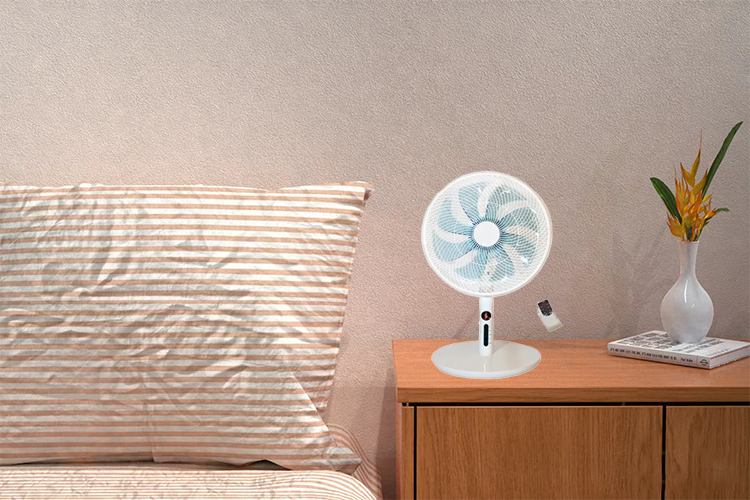
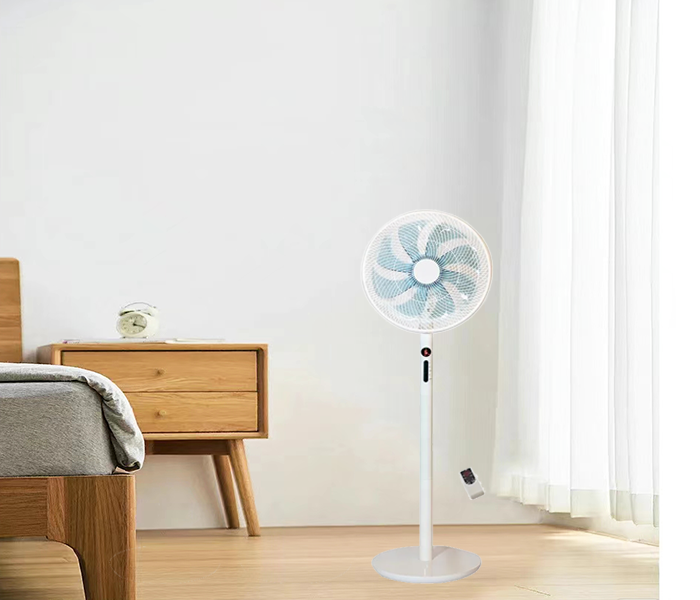
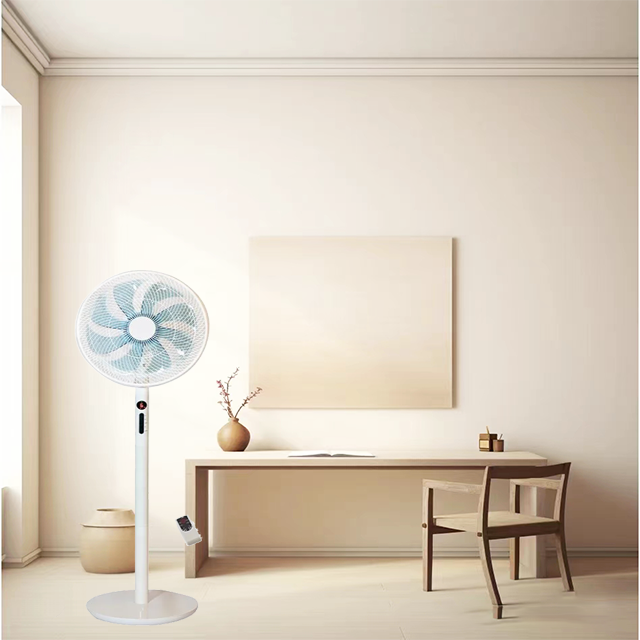
FS40-013 this standing fan has oscillation fuction and timer settings, and have remote control operation. It is designed to provide cooling and airflow in larger spaces such as living rooms, bedrooms, or offices.
This Electronic Retractable Smart Standing Fan combines smart functionality with convenience. Equipped with advanced features such as adjustable height, remote control, and a programmable timer, it offers customizable cooling for larger spaces like living rooms, bedrooms, and offices. The fan's retractable design ensures space-saving storage, while the oscillation feature guarantees even airflow distribution throughout the room.
Space-Saving Design: Retractable function allows easy storage when not in use, ideal for small spaces.
Adjustable Height: Customizable height for optimal air circulation.
Portability: Easy to move from room to room.
Smart Features: Includes remote control operation, oscillation, and programmable timer.
Convenience: Remote control and timer settings provide ultimate convenience for users.
Adjustable Comfort: Height customization and oscillation ensure perfect airflow tailored to your needs.
Efficient Cooling: Ideal for maintaining a comfortable environment in various settings.
Easy Storage: Retractable feature allows compact storage when space is limited.
| Model No | FS40-013 |
| Product Name | 16 inch stand fan |
| Voltage | 220V |
| Frequency | 50Hz |
| Power | 60W |
| Motor | 71*18 Aluminum Motor or Copper Motor |
| Grill | Line Grill |
| Speed | 4 Speed |
| Blades | 8AS blades |
| Plug | two round Plug |
| Color | White or according the order |
| Base | Round Base |
| Body | New PP material |
| Height | 123cm |
| Quantity | 1276PCS/ 40hq |
Office: Perfect for maintaining air circulation in workspaces, cubicles, and conference rooms.
Home: Suitable for use in living rooms, bedrooms, and dormitories to enhance comfort.
Public Spaces: Great for gyms, cafes, or waiting areas needing efficient air circulation.
Unpack and assemble the fan: Remove the fan from its packaging and assemble it according to the manufacturer's instructions. This typically involves attaching the fan blades, base, and any additional components.
Place the fan in a suitable location: Choose a location for the fan that provides optimal air circulation and cooling. Ensure that the fan is placed on a flat and stable surface to prevent tipping over.
Extend the height: If your smart standing fan has a retractable feature for adjusting the height, extend the fan to your desired height by pulling or adjusting the telescopic pole. Make sure it is securely locked in place.
Plug in the fan: Locate a power outlet near the fan and plug in the power cord. Ensure that the fan is connected to a stable power source and that the cord is not damaged.
Turn on the fan: Locate the power button or switch on the fan and turn it on. Depending on the model, you may also have additional controls for adjusting the fan speed, oscillation, timer, and other settings.
Adjust the settings: Use the controls on the fan or the remote control to adjust the fan settings to your preference. You can typically adjust the fan speed, oscillation direction, timer settings, and other features.
Turn off the fan: When you no longer need the fan or are leaving the room, remember to turn off the fan using the power button or switch. Unplug the fan if you plan to store it or move it to a different location.